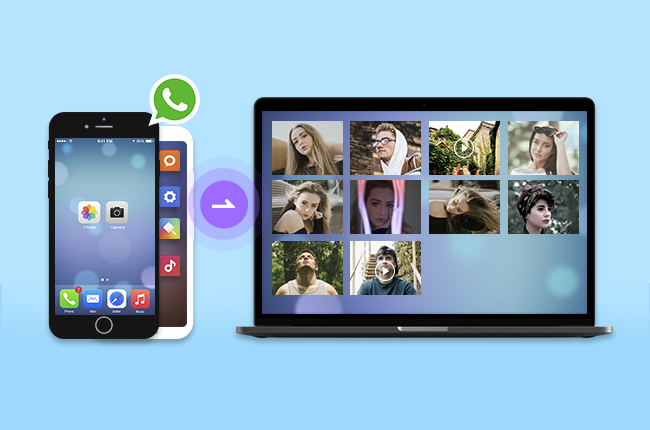

Any computer or smartphone can be used to send files between the two devices (and vice versa). Now WhatsApp Web and other tools like zap web allow the transfer of files between computers. Depending on the task at hand, you will have a document for correspondence or you want to share a photo to your colleagues. In this article we will have a look at how to transfer files between computers, the steps to follow and tips to make it even better.
Introduction to WhatsApp Web and Zap Web
WhatsApp Web is a browser-based version of WhatsApp that translates your phone conversation and video files to your computer. The same goes for “zap web. ” It has become quite an affluent term for using WhatsApp Web interface to share and organise data in an efficient manner. So you can chat with people, share pictures and send files without having to switch devices over and over again. For professionals and students this feature is a game changer.
Why Use WhatsApp Web for File Transfers
The biggest advantage of this app is that you can have very easy access to it. Once you scan the QR code on your computer your chats will automatically sync up, you will be able to directly drag and drop files into the chat window (the recipient will get them immediately) and zap web also provides an easy way for you to send multiple files at once, such as PDF files, Word documents and even ZIP files. Compared to emailing files to yourself or using any other cloud storage service.
Setting Up WhatsApp Web on Your Computer
To start transferring files you first need to set up WhatsApp Web:
- Open WhatsApp on your phone.
- Go to “Linked Devices.”
- Tap “Link a Device.”
- Scan the QR code displayed on your computer screen.
Once this process is complete, zap web mirrors your conversations, and you are ready to send or receive files instantly. The process is secure because WhatsApp uses end-to-end encryption even on its web version.
Sending Files from Phone to PC
When you get a file on your phone you can open WhatsApp Web on your PC and download the file directly. This is especially useful when you get high-resolution images or large documents that you need to edit or save on your PC. Zap web also lets you download multiple files at once, so you don’t waste time saving them one by one.
Sending Files from PC to Phone
If you want to transfer files the other way around, just open a chat you or a trusted contact with on WhatsApp Web and drag the files into the chat box. That’s a very quick way of sending presentations, music, or other files to your phone. And the zap web interface lets you know the files are on your phone as soon as they’ve uploaded so they’re a great substitute for USB cables.
Supported File Types and Size Limits
You can send different types of files on both WhatsApp Web and Zap web. You can send document (PDF, DOCX), picture (JPG, PNG), video, audio file. Meanwhile the maximum file size on WhatsApp Web is 2GB, that’s quite more than enough for most personal and professional scenarios. So you can send small text document to full HD video.
Security and Privacy Considerations
One of the biggest benefits of WhatsApp Web is that it is end-to-end encrypted. So you no one except WhatsApp can view the files that you send. Zap web supports this encryption method so you can send important business documents, invoices or personal photos with ease. However, make sure that when using a public or shared computer that you log out of all accounts first before sending your data.
Tips for Efficient File Management
To get the most out of WhatsApp Web and zap web you can either create a dedicated chat for transferring file, or you can use the “Message Yourself” option to keep your files organized and easily findable. Another tip is to use the search function in WhatsApp Web to quickly locate specific documents or media for big projects.
Final Thoughts
But uploading files from your phone to your PC doesn’t need to be too cumbersome. With WhatsApp Web and zap web you have access to the fastest, safest and best solution for transferring your files between your mobile device and your PC. Whether you are a student or need to send assignment documents to your colleagues or a professional looking to collaborate with colleagues, WhatsApp Web or zap web can do everything together. Start a file transfer workflow between your mobile device and PC today and let the convenience begin.